Assignment: MVP for Final Project
For this week's assignment, my goal was to prototype the movement feature of my final project (the moving table). I did this by making a smaller-scaled version of the moving base using the materials we had in lab.
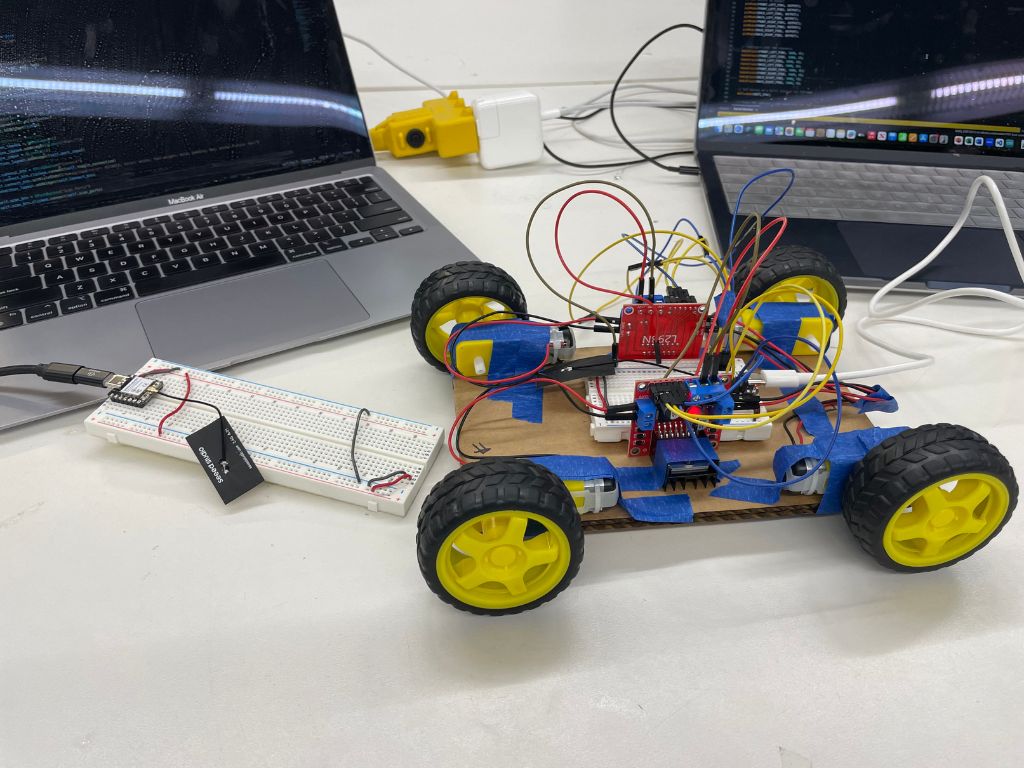
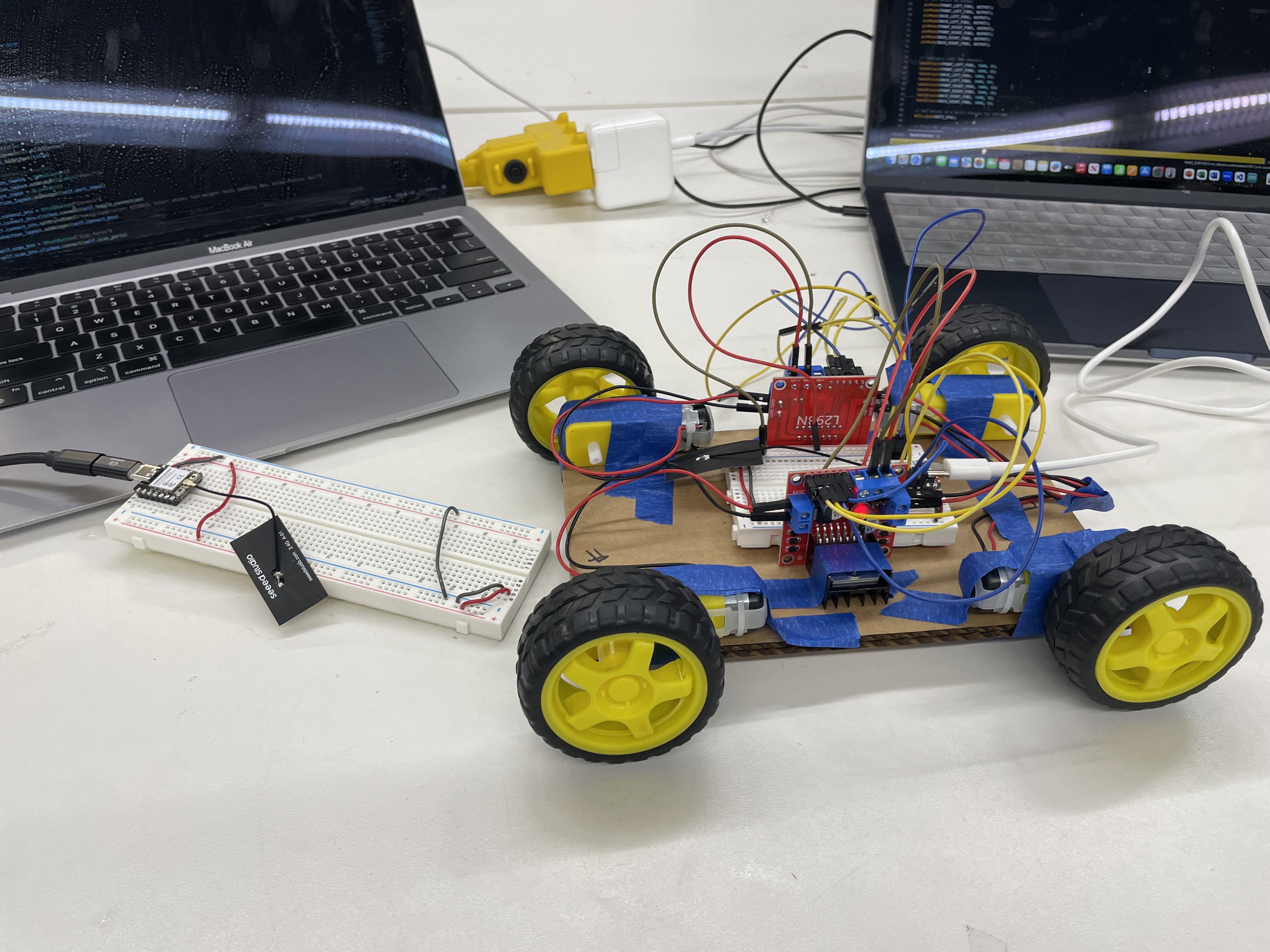
To start, I connected 4 DC motors to 2 L298N motor drivers, which I then connected to an ESP32. I also attached wheels onto each of the DC motors.
After doing so, I tested the motors to make sure each worked and was properly oriented by running some test code (individual wheels, pairs of wheels, then all wheels). Then, I attached everything to a cardboard base with masking tape to keep it modular as I tested.
Once the hardware seemed to be working, I had to figure out how to control my motors. The idea was to take keyboard input from my computer (WASD) to remotely control the motors. After talking to Bobby, we opted to use an additional ESP32.
Communication workflow
Keyboard input received by ESP32 attached to computer → ESP32 (computer) sends the data to ESP32 attached to the motors → ESP32 (motor) tells the motors how to move → wheels rotate, car moves (really a table base, but looks like a car right now).
Three programs were created to implement this workflow. Below are brief descriptions of how each works, with links to download each file.
Python GUI
This program creates a GUI for the control system. It handles keyboard input and sends the data to the ESP32 using Python's serial library.
↓ Python GUI (.py)ESP32 (Computer)
This program receives input from the Python app (through serial) and sends it to the motor ESP32 using ESP-NOW — a wireless protocol that lets ESP32s communicate without a router or WiFi network. It continuously checks if data was received from serial.
↓ Controller ESP32 (.ino)ESP32 (Motor)
This program receives data from the computer ESP32 and controls the motors based on the input. For example, if a user holds down A, it turns left by setting the left motors to a lower speed and the right motors to a higher speed, using PWM.
↓ Motor ESP32 (.ino)Additionally, I powered the motor ESP32 with a battery so the moving base can move freely without being tethered to a laptop or plug. I also added antennas to the ESP32s, which solved a huge issue I was originally having — the motor control had worked only 50% of the time.
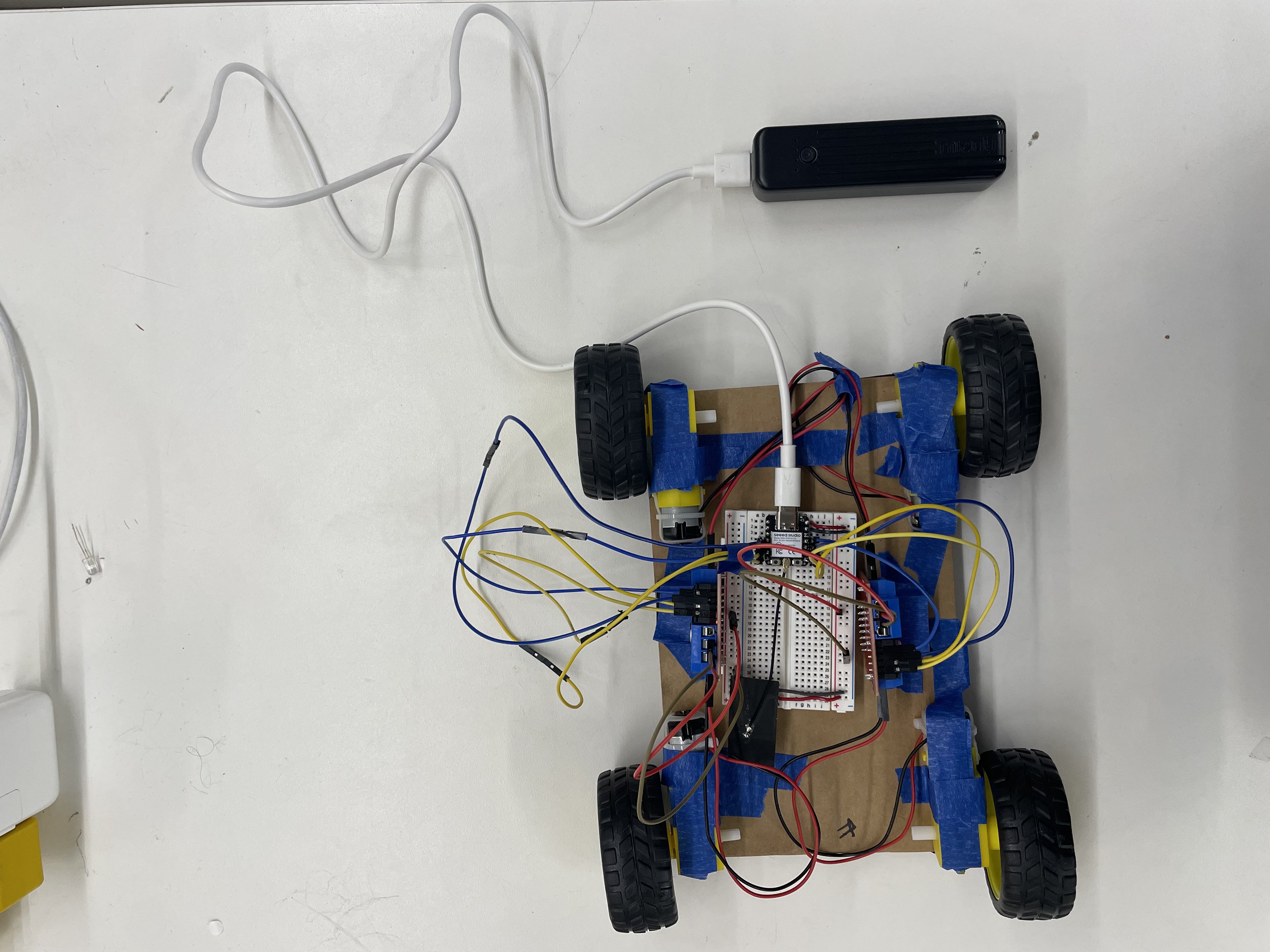
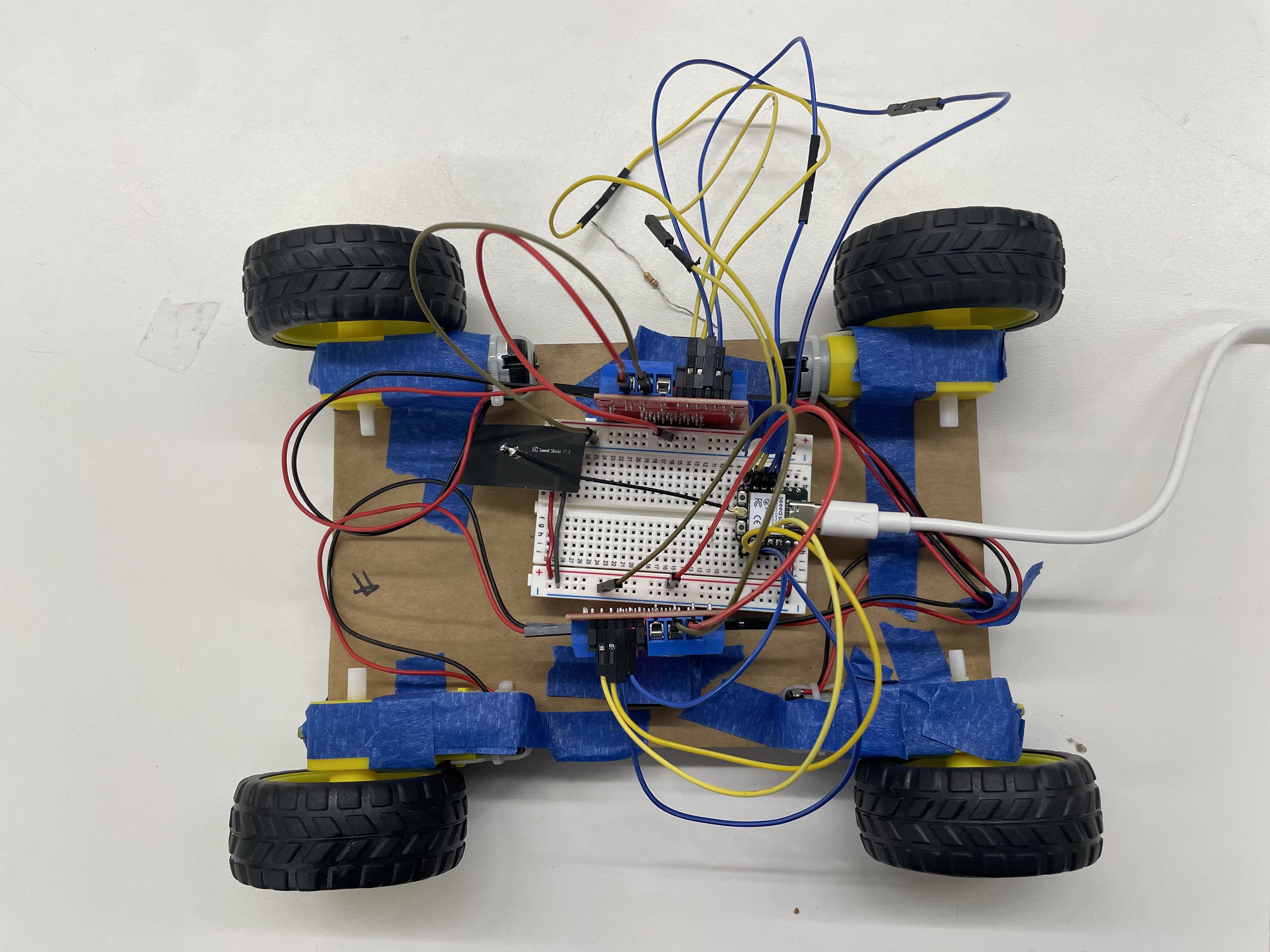
MVP! Looks kinda like an RC car. There was an issue with the back-right motor not moving after testing, but other than that the base is functional!
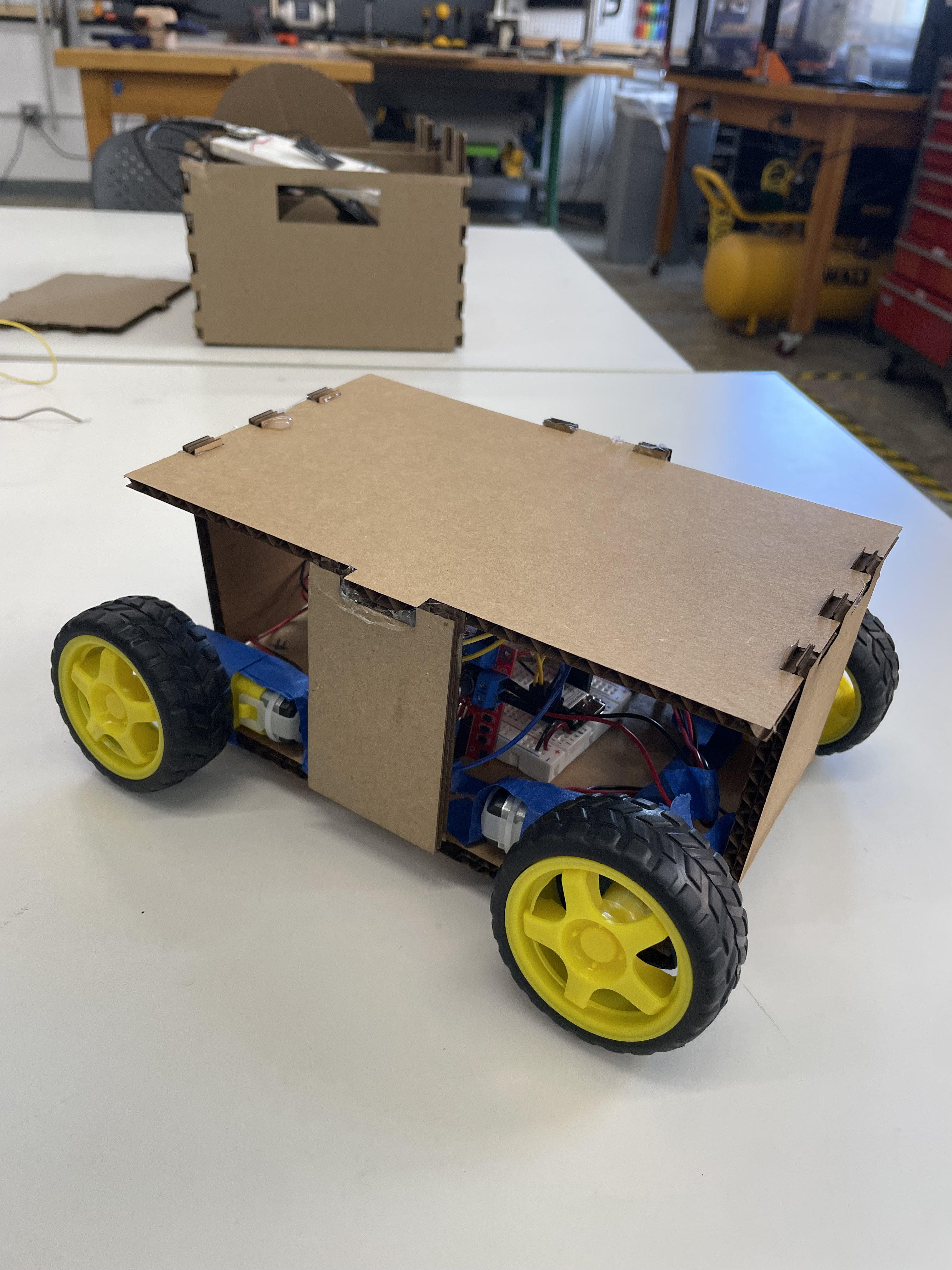
Also, here's a small removable lid / table-top enclosure I added to cover some of the wiring.
Oscilloscope discoveries
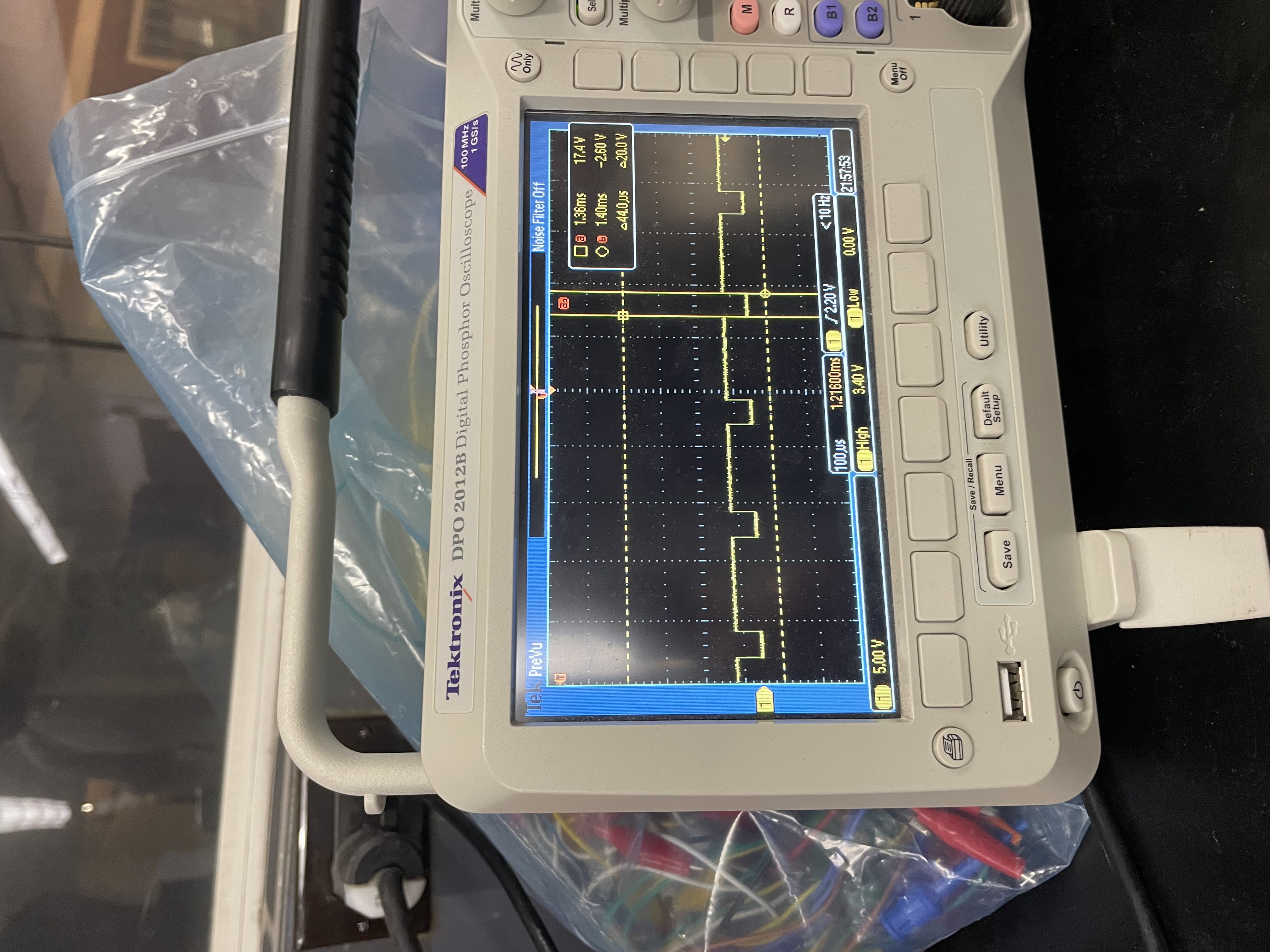
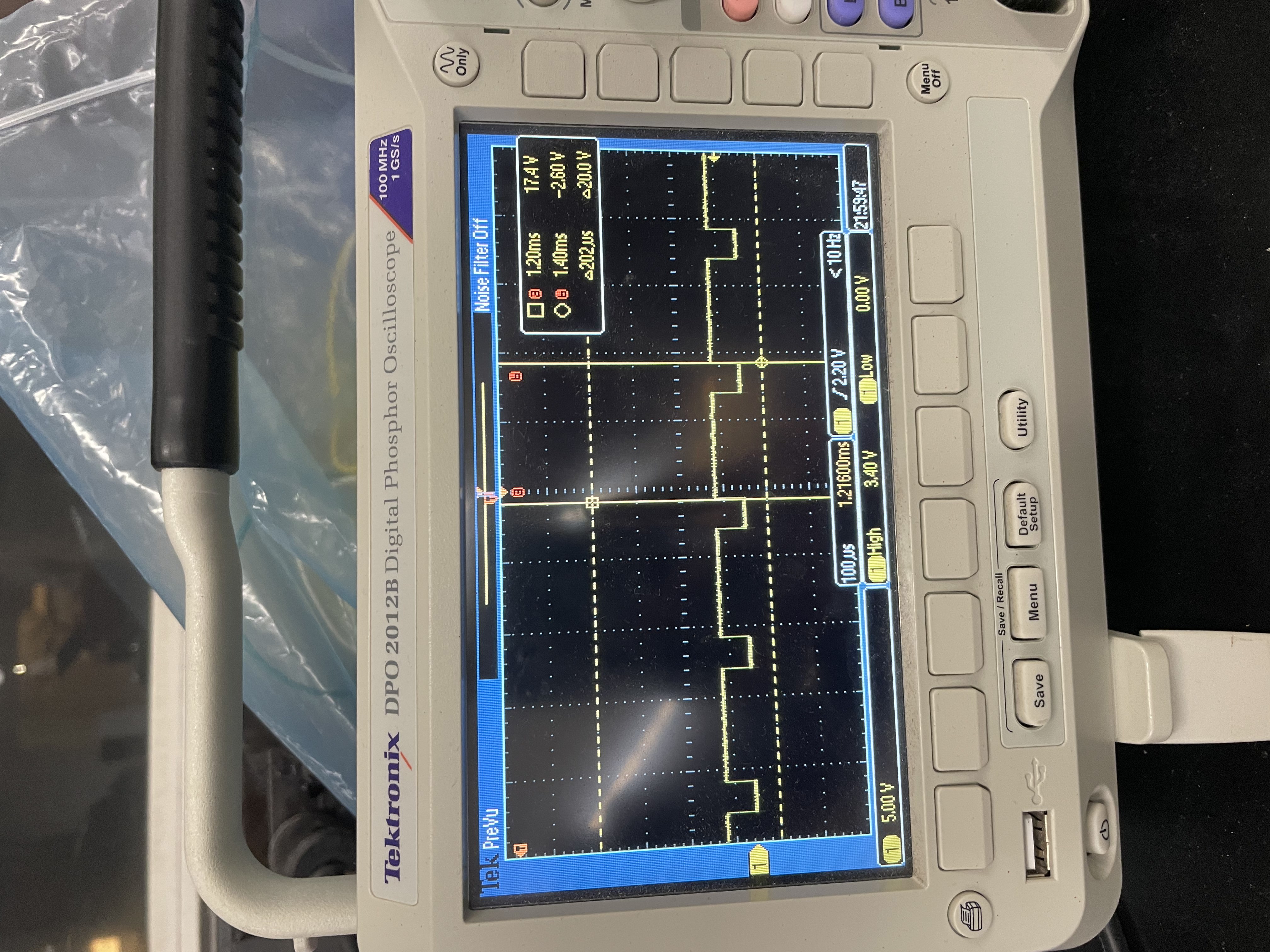
Using the oscilloscope to measure the motor output when W (forward) is held down, we found the signal is on for 155 microseconds and off for 45 microseconds. This adds up to our PWM value of 200 for the motors at max speed, meaning every signal is 200 microseconds. From this we can calculate a frequency of 5000 Hz — 5000 times per second.